How to Install EPIX IPTV on NVIDIA Shield
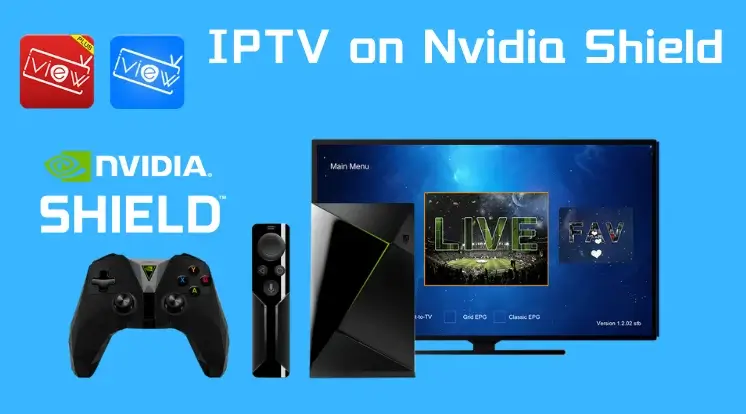
Installing EPIX IPTV on an NVIDIA Shield is simple, thanks to the device’s Android-based system. You can easily install IPTV apps from the Google Play Store or sideload them. Follow these steps to get started: Step 1: Enable Apps from Unknown Sources If you plan to sideload an app (install from outside the Play Store): Step 2: Install an IPTV Player from the Google Play Store Several IPTV players work perfectly with EPIX IPTV, such as IPTV Smarters, TiviMate, or VLC Media Player. Step 3: Enter Your EPIX IPTV Subscription Details Step 4: Start Streaming Optional: Sideloading Apps If your preferred IPTV app is not on the Play Store: Tips for a Smooth Streaming Experience With these steps, your NVIDIA Shield will deliver a seamless EPIX IPTV experience with hundreds of channels and on-demand content ready to watch.