How to Add Playlists on IPTV – Complete 2026 Guide
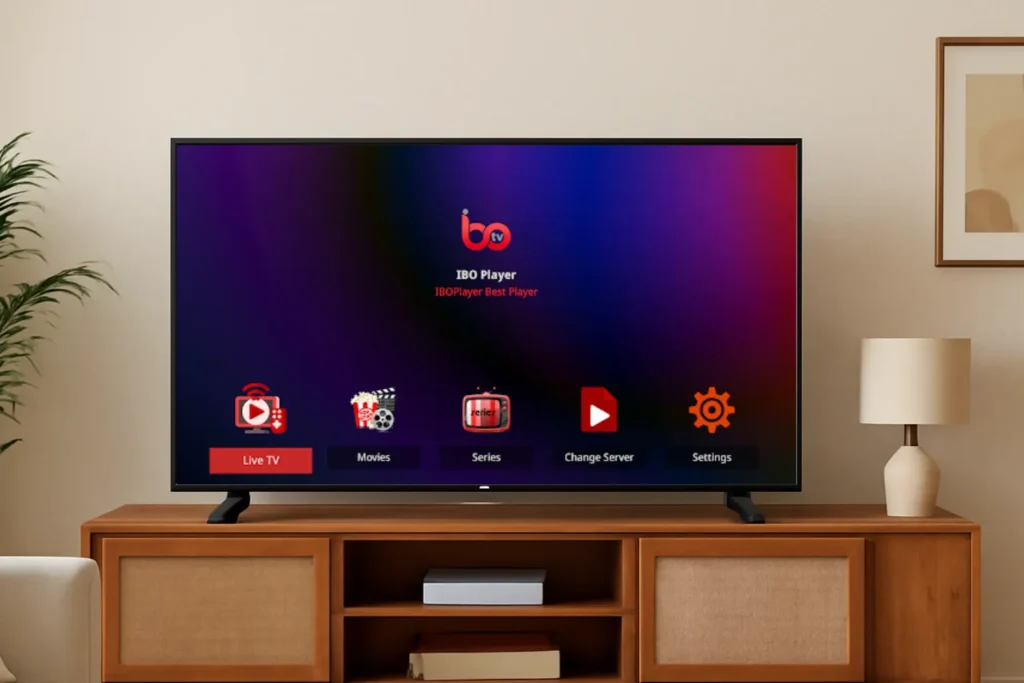
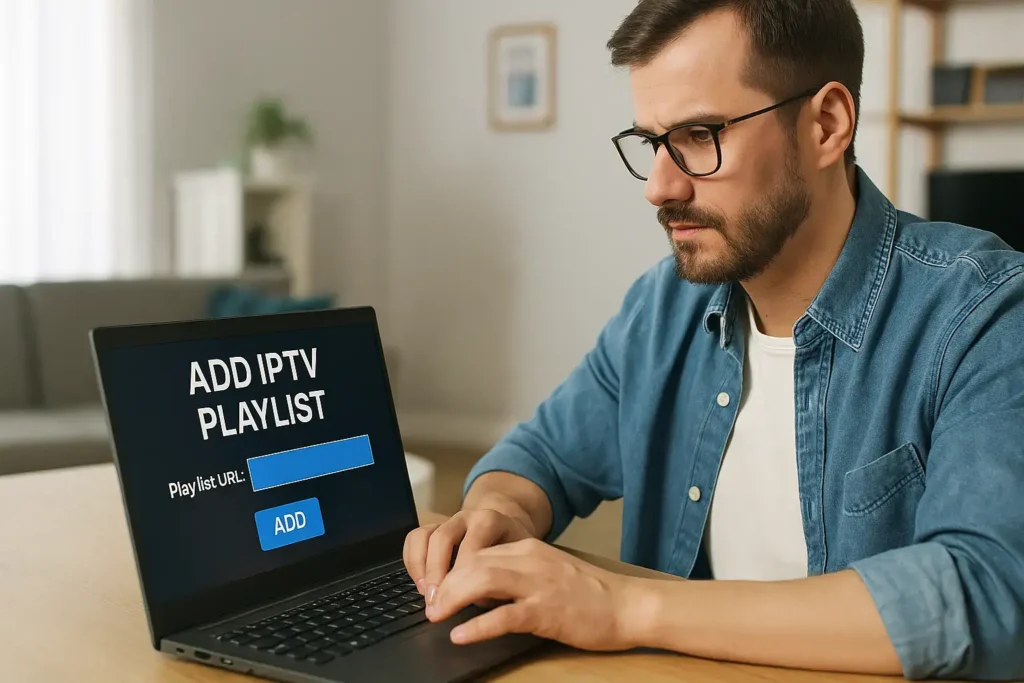
Adding playlists on IPTV may seem complicated at first, but with the right steps, you can enjoy your favorite channels, movies, and series effortlessly. At EPIX IPTV, we provide easy-to-follow guides and reliable services to help you manage your IPTV subscriptions and playlists without hassle. 1. Understanding IPTV Playlist Formats Before adding a playlist, it’s essential to know the available formats: Playlists may include absolute URLs (e.g., http://…) which are more reliable, or relative URLs, which can cause compatibility issues. Make sure your IPTV player supports the file type, usually .m3u or .m3u8. For more information about IPTV technology, see our article on The Evolution of IPTV. 2. Adding an M3U Playlist to Your IPTV Player There are several ways to add playlists to your IPTV app: Tips if the playlist fails to load: For step-by-step installation guides, check our tutorials: 3. Using Xtream Codes API (Alternative Method) Many IPTV apps also support Xtream Codes API, an alternative to M3U playlists. You’ll need three credentials from your IPTV provider: Steps: For a complete guide, see our Perfect IPTV Setup Guide 2026. 4. Troubleshooting Playlist Issues If your channels aren’t loading properly, try these solutions: 5. Managing and Organizing Multiple Playlists A well-organized playlist ensures smooth viewing: For more tips on choosing IPTV services, check our article Top IPTV Providers in 2026. Frequently Asked Questions Is it legal to add third-party playlists?Ensure third-party providers have broadcasting rights. Without proper licensing, sharing may violate copyright laws. Check your local regulations first. How often should I update my IPTV playlist?Weekly updates are recommended. If you notice buffering or dead links, update immediately. Most providers refresh content daily. Can I share my IPTV playlist with family?Yes! Use your provider’s multi-device settings, create separate profiles, and monitor connection limits. What internet speed is required? Can Smart TVs use IPTV playlists without extra devices?Some models support playlists via IPTV apps. Otherwise, external devices like Android boxes or streaming sticks may be required. At EPIX IPTV, we make managing playlists and subscriptions simple, secure, and reliable. Explore our Pricing, Contact, and About Us pages to learn why thousands of users trust us for their IPTV needs. Start enjoying seamless streaming today with EPIX IPTV!